
Written by: Paul
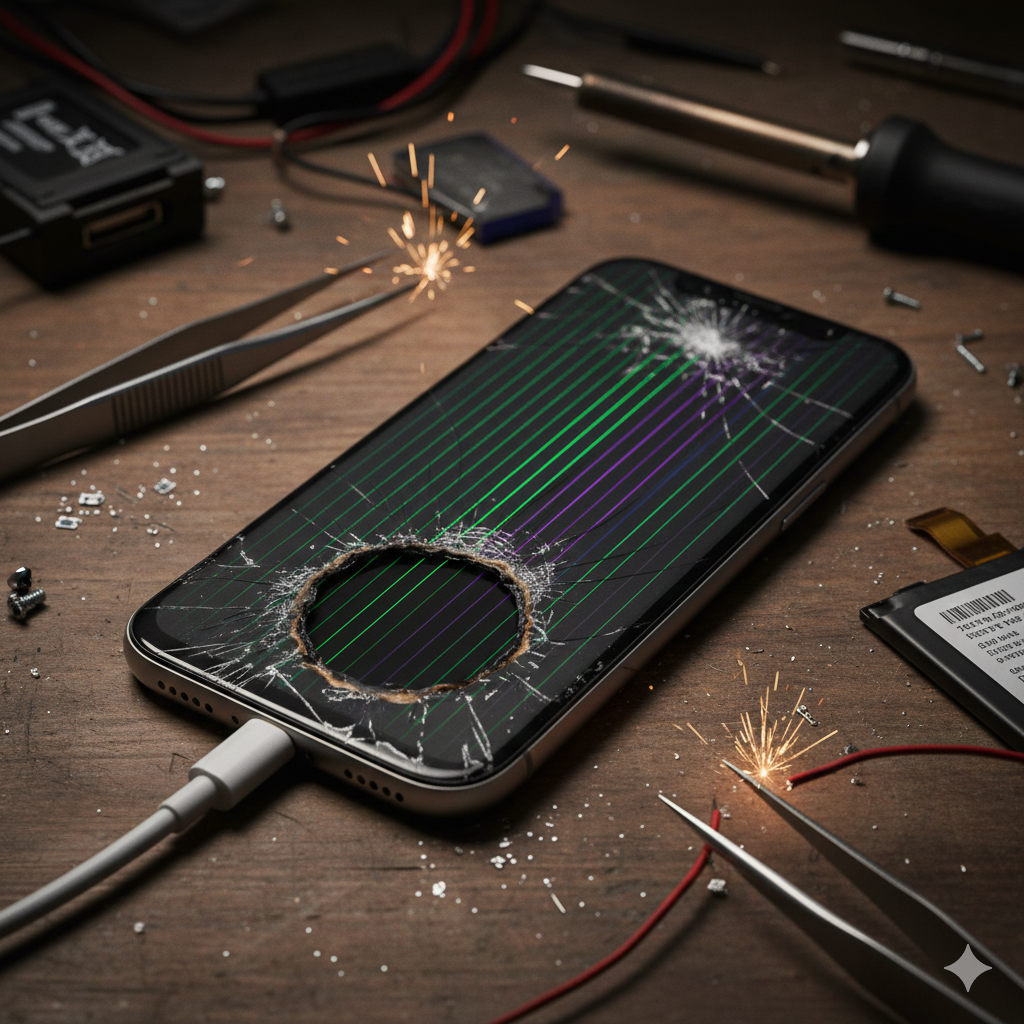
We’ve all been there: that sudden moment of panic when your screen flickers or your phone feels hot enough to fry an egg. In an era where our smartphones are essentially our external brains, a hardware failure isn’t just an inconvenience—it’s a disruption to our lives, work, and safety.
At iGenius Phone Repair, we’ve spent years under the microscope, literally. Having repaired thousands of devices, our technicians have seen the “death rattles” of almost every model on the market. This guide is designed to help you identify the red flags of hardware failure before you lose your data or your device permanently. While a software glitch can often be fixed with a reboot, hardware issues require expert intervention to prevent total loss.
Section 1: The Reality of Smartphone Lifespans
Modern smartphones are marvels of engineering, but they aren’t immortal. On average, the hardware components of a flagship device are built to last 3 to 5 years. However, environmental factors, charging habits, and physical trauma can shorten this window significantly.
According to industry data from Statista, the average replacement cycle for smartphones has lengthened as prices rise, meaning users are pushing their hardware further than ever before. This “over-extending” of hardware is exactly why understanding failure signs is critical. Ignoring a small glitch today can lead to a “brick” tomorrow.
Section 2: 5 Warning Signs Your Hardware is Failing
1. The “Bloated” Battery or Bulging Screen
This is the most dangerous sign on this list. If you notice your screen is lifting away from the frame or there’s a slight “bounce” when you press on the display, your battery is likely swelling.
- The Cause: Chemical reactions inside lithium-ion batteries produce gas when the battery degrades or is overcharged.
- The Risk: Fire or explosion.
- Expert Insight: Do not attempt to squeeze the screen back down. This can puncture the battery.
2. “Ghost Touching” and Dead Zones
If your phone starts opening apps on its own or certain parts of the screen won’t respond to your touch, your digitizer is failing.
- The Cause: Usually physical impact or liquid damage that has finally corroded the internal connectors.
- Check This: If you have an iPhone, this is a common hardware failure point. Check our iPhone repair services for specialized diagnostics.
3. Frequent Overheating (Even When Idle)
It’s normal for a phone to get warm during a heavy gaming session, but if it’s hot while sitting in your pocket, you have a hardware short-circuit or a failing processor.
- YMYL Warning: Extreme heat can lead to battery failure. If your device is too hot to touch, power it off immediately and seek a professional instant quote for a diagnostic.
4. Rapid Power Drain and Charging Port Failure
If your phone goes from 100% to 20% in an hour, or if you have to wiggle the cable “just right” to get it to charge, the hardware is nearing its end.
- Internal Link: Whether it’s a mobile phone or a tablet repair, power issues are the #1 reason people visit us.
5. Persistent Vertical Lines or “Ink Blots” on Display
Unlike a cracked glass, vertical lines or black spots (bleeding pixels) indicate that the actual OLED or LCD panel is damaged. These spots usually grow over time until the entire screen goes black.
Section 3: Practical Advice & Recommendations
If you recognize these signs, the “wait and see” approach is your worst enemy. Here is what you should do immediately:
- Backup Your Data: Hardware failure is unpredictable. Use iCloud, Google Drive, or a physical hard drive to secure your photos and contacts right now.
- Avoid DIY Kits: Modern phones are held together by microscopic screws and sensitive adhesives. One wrong move can snap a ribbon cable, turning a $100 repair into a $500 replacement.
- Consult a Professional: If your phone is showing these signs, it’s time for an expert eyes-on inspection.
Professional Disclaimer: While many online tutorials suggest “rice” for water damage or “freezing” for battery issues, these are myths that often cause more harm. Always consult a certified technician for hardware concerns to ensure the safety of your device and yourself.
For those in our service areas, you can find our nearest location here to get a hands-on diagnostic.
Section 4: Conclusion and Final Thoughts
Your smartphone is a tool you rely on every single day. Recognizing the early warning signs of hardware failure—like overheating, screen bulging, or touch issues—can save you hundreds of dollars in the long run. Don’t ignore the “small” glitches; they are often the prologue to a total system failure.
At iGenius, we believe in transparency. Sometimes a phone is worth fixing, and sometimes it’s time for an upgrade. We’re here to give you the honest truth.
Have questions about your device? Contact us today or visit our About Us page to learn more about our commitment to quality repairs.
FAQs
Q1: Can software updates fix a bulging screen?
A1: No. A bulging screen is a physical hardware issue caused by a failing battery. It is a safety hazard and requires immediate replacement.
Q2: Is it worth repairing an older phone with hardware issues?
A2: It depends on the device’s value. We recommend getting an instant quote to compare the repair cost against the price of a new phone.
Disclaimer: The information provided in this post is for educational purposes only. Handling damaged lithium-ion batteries or sensitive electronics carries inherent risks. iGenius Phone Repair is not responsible for damage caused by attempted DIY repairs.