
Written by: Paul
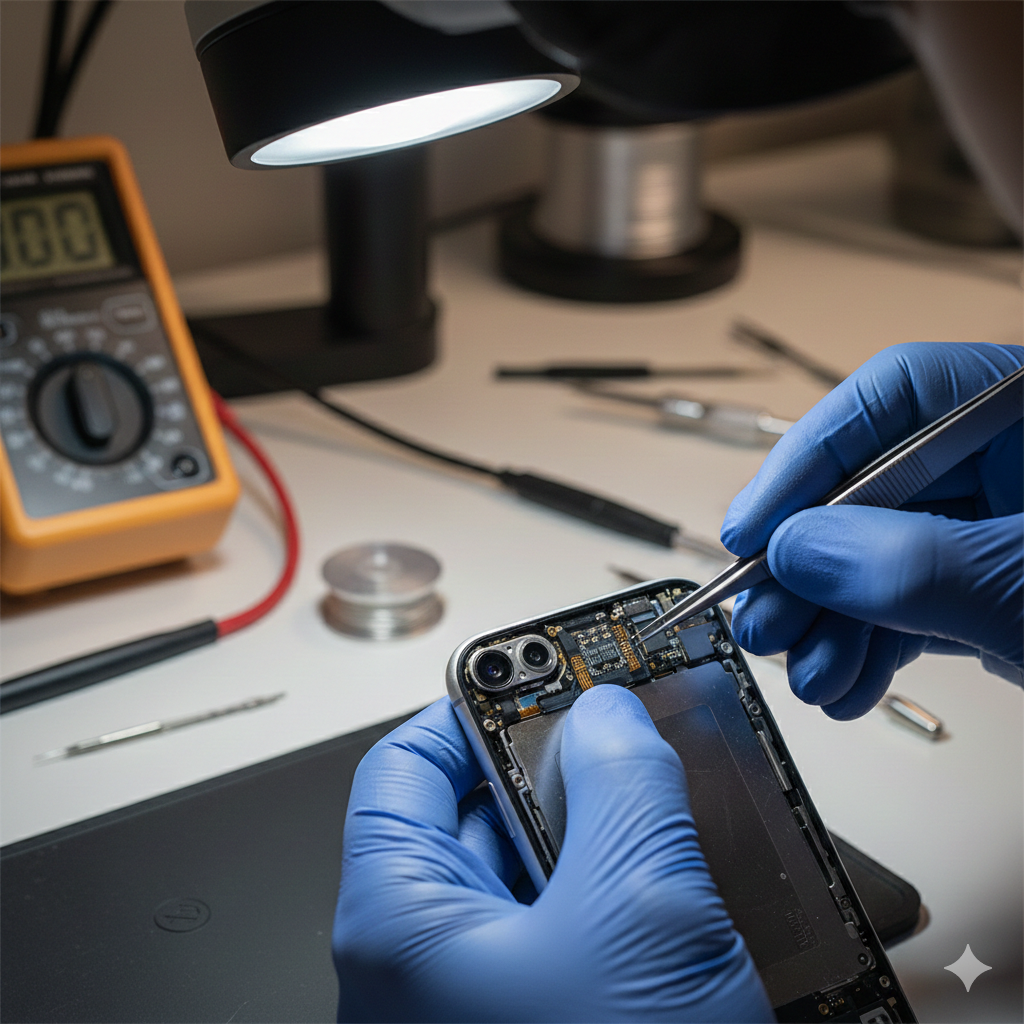
We’ve all been there: you raise your phone to pay for groceries or unlock a banking app, and… nothing. The red padlock shakes, or the “Try Again” prompt mocks your fingerprint. In an era where our smartphones hold our entire digital lives, a failure in biometric security isn’t just an inconvenience—it’s a major disruption to your productivity and peace of mind.
At iGenius Phone Repair, we’ve spent years under the microscope, literally. Having repaired thousands of Apple and Samsung devices, our technicians understand the delicate dance between software encryption and hardware integrity. While these sensors feel like magic, they are actually sophisticated pieces of optical and capacitive engineering. In this guide, we’ll dive into why these sensors quit on you and, more importantly, how you can get them working again without compromising your device’s security.
Section 1: The Anatomy of Biometric Failure
Biometrics like Face ID and Touch ID are categorized as highly sensitive “secure enclave” technologies. According to technical documentation from Apple Support, these systems use mathematical representations of your face or fingerprint rather than actual images, stored deep within the device’s processor.
Common Reasons for Failure:
- Physical Obstructions: The most common culprit is also the simplest. Smudges, oils, or poorly fitted screen protectors can “blind” the sensors.
- Environmental Stress: Micro-cracks in the glass (even those you can’t see) can refract the infrared dots used by Face ID.
- Component Serialization: This is the “hidden” killer. Apple and other manufacturers “pair” specific sensors to specific motherboards. If a third-party repair used a non-genuine part, the security handshake fails.
- Liquid Damage: Even “water-resistant” phones have a weak spot: the earpiece mesh. Since the Face ID assembly sits right behind this mesh, it’s often the first thing to die after a splash.
Section 2: Deep Dive into Face ID vs. Touch ID
To fix the problem, we have to understand the hardware.
Sub-section 1: Face ID and the TrueDepth Camera
Face ID isn’t just a camera; it’s a projection system. It consists of a Flood Illuminator, a Dot Projector, and an Infrared Camera.
- The Issue: If the Dot Projector is damaged by a drop, it loses alignment. For safety reasons, the system will disable itself to prevent eye-safety issues from the laser.
- The Fix: This often requires professional iPhone repair because the sensor is tied to the logic board.
Sub-section 2: Touch ID and Capacitive Scanning
Touch ID uses a highly sensitive capacitive ring to detect the ridges of your finger.
- The Issue: The “Home” button is a sapphire crystal. If it chips or the ribbon cable inside tears, the biometric function is lost.
- The Fix: Cleaning the sensor with 90% isopropyl alcohol often solves “intermittent” failures. If the button is physically broken, it usually requires a specialized calibration tool available at a professional repair location.
Section 3: Step-by-Step Troubleshooting (The “Save Your Money” List)
Before you rush into a shop, try these steps in order.
- Clean the Sensor: Use a clean, lint-free microfiber cloth. For Face ID, wipe the “notch” at the top of the screen. For Touch ID, ensure there is no moisture on your finger or the button.
- Check for Software Updates: Sometimes, a bug in the OS causes the “Secure Enclave” to hang. Go to Settings > General > Software Update.
- Reset Biometrics: Go to Settings > Face ID/Touch ID & Passcode. Tap “Reset Face ID” and try to set it up again in a well-lit room.
- Remove Screen Protectors: If your screen protector is thick or cracked, it can interfere with the infrared light. Try removing it to see if functionality returns.
Expert Disclaimer: If your device has recently suffered a major drop or liquid exposure, do not attempt to “force” the sensors back on. Attempting to DIY-repair these specific components without proper grounding can permanently short-circuit the motherboard. Alwayscontact usor a certified technician if hardware damage is suspected.
Section 4: When to Seek Professional Help
If you’ve tried a reset and a cleaning and you still see the message “An issue was detected with the TrueDepth camera,” you are likely looking at a hardware failure.
Because these sensors are linked to your identity and financial apps, choosing a reputable repair partner is vital. At iGenius, we prioritize about us transparency—we tell you if a part can be saved or if a specialized replacement is necessary. Whether it’s an iPhone or a Tablet, your security is our priority.
FAQs
Q1: Can I replace my own Home Button to fix Touch ID?
A: You can replace the button to get the “click” function back, but the Touch ID (fingerprint) will usually not work unless the original chip is transferred or calibrated by a professional.
Q2: Is Face ID safe to use if the screen is cracked?
A: If the crack is over the sensor, it may fail to recognize you. More importantly, glass shards can damage the sensitive projector underneath. It is best to repair the device quickly to avoid total sensor death.
Disclaimers
The information provided in this post is for educational purposes regarding hardware troubleshooting. Biometric sensors are linked to personal security; always ensure your device is backed up before attempting software resets or hardware repairs. iGenius is not responsible for data loss during DIY repair attempts.