
Written by: Paul
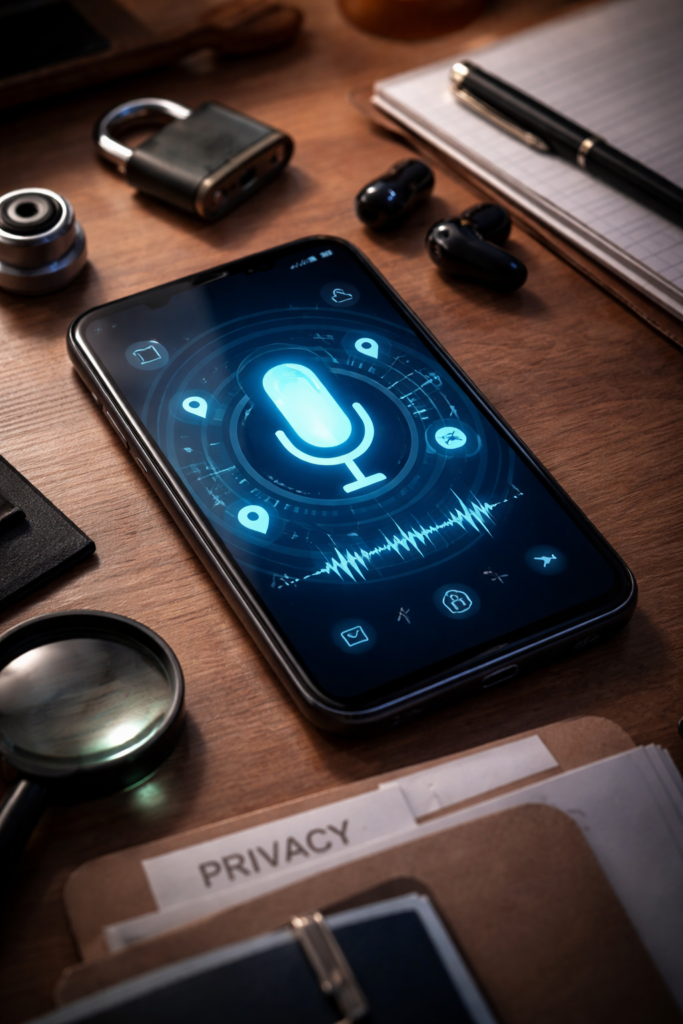
You mention a product out loud—headphones, running shoes, or a vacation destination—and minutes later, an ad appears on your phone. Coincidence? For many users in 2026, it doesn’t feel like one.
Smartphones today are more powerful—and more invasive—than ever before. With always-on microphones, background AI processing, and aggressive app permissions, it’s reasonable to worry about how much your device knows about you.
At iGenius Phone Repair, we work hands-on with smartphones every day—diagnosing hardware issues, restoring compromised devices, and helping customers understand how their phones actually work. Our technicians regularly see privacy risks caused not by hackers, but by poorly managed permissions and outdated software.
Important note (YMYL compliance):
This article focuses on digital privacy and consumer technology safety. It does not provide legal advice. Privacy laws vary by region—consult a qualified legal professional for compliance or regulatory guidance.
This guide will show you:
- Whether phones truly “listen” to conversations
- How background AI processes audio data
- Which permissions put your privacy at risk
- Step-by-step ways to stop unwanted access
- When professional phone diagnostics are necessary
Section 1: Are Smartphones Actually Listening to You? (The Reality)
The Short Answer
Your phone is not secretly recording all conversations—but many apps are allowed to access your microphone far more often than you realize.
According to the Federal Trade Commission (FTC), most mainstream apps rely on permission-based access, meaning they can only use your microphone if you explicitly allow it. However, many users unknowingly grant these permissions during app setup.
A 2024 investigation by Consumer Reports revealed that over 60% of mobile users had microphone access enabled for apps that did not require it for core functionality.
How Voice Data Is Actually Used
Modern smartphones rely on:
- Wake-word detection (“Hey Siri,” “Okay Google”)
- On-device AI processing
- Cloud-based speech recognition
While wake-word detection usually occurs locally, some apps transmit audio snippets to cloud servers for analysis—especially in advertising, social media, and gaming apps.
You can review Apple’s transparency policies directly on Apple’s official privacy page, and Google’s data usage disclosures on Google’s Safety Center.
Section 2: Understanding App Permissions in 2026
Why App Permissions Are More Aggressive Than Ever
In 2026, apps don’t just request access once—they continuously optimize permissions using:
- AI-driven engagement tracking
- Behavioral data analysis
- Cross-platform advertising models
This is why even flashlight, wallpaper, or calculator apps sometimes request microphone access.
According to a 2025 report from the Electronic Frontier Foundation (EFF), unnecessary permissions increase the risk of:
- Passive data collection
- Behavioral profiling
- Third-party data sharing
You can review EFF’s consumer privacy research on their official website.
High-Risk Permissions You Should Review Immediately
- Microphone
- Camera
- Bluetooth
- Background App Refresh
- Location (Always On)
If your phone has been slowing down, overheating, or draining battery unusually fast, it may be a sign that background processes are running excessively. In such cases, professional diagnostics from a certified repair provider like iGenius Phone Repair can identify hidden issues. You can start with an Instant Quote directly from our website.
Section 3: Background AI — The Invisible Listener
What Is Background AI?
Background AI refers to machine-learning models running continuously on your device to:
- Predict user behavior
- Improve ad targeting
- Enhance voice recognition
- Optimize notifications
While companies like Apple emphasize on-device privacy, many third-party apps still rely on cloud processing.
The National Institute of Standards and Technology (NIST) warns that persistent background AI can unintentionally expose sensitive data when poorly managed.
Signs Background AI Is Overstepping
- Ads that mirror recent spoken conversations
- Apps activating microphones without clear prompts
- Battery drain even when phone is idle
If you’re experiencing these issues and suspect a software or firmware problem, our technicians at iGenius Phone Repair regularly help customers reset, restore, or repair affected devices. You can explore our iPhone repair services or tablet repair options depending on your device.
Section 4: How to Stop Your Phone from “Listening” (Step-by-Step)
1. Audit Microphone Permissions
Go through your phone’s settings and disable microphone access for:
- Social media apps
- Games
- Shopping apps
- Voice recorders you no longer use
Only essential apps (calls, voice assistants) should retain access.
2. Disable Always-On Voice Assistants
Voice assistants are convenient—but not mandatory.
Both Apple and Google allow you to:
- Disable wake-word detection
- Limit microphone activation to manual use
This significantly reduces passive audio monitoring.
3. Turn Off Background App Refresh
This prevents apps from running silently when not in use.
Reducing background activity:
- Improves battery life
- Limits data collection
- Reduces AI-driven tracking
4. Update Your Operating System
Security updates often patch:
- Permission exploits
- AI overreach bugs
- Third-party access loopholes
Outdated software is one of the most common privacy risks we see at iGenius Phone Repair locations.
5. Remove Suspicious or Unused Apps
If you don’t recognize an app—or don’t remember installing it—delete it.
If deletion causes crashes or errors, it may indicate deeper system corruption. In that case, we recommend using our Repair a Device service to restore your phone safely.
Section 5: When Professional Phone Repair Matters for Privacy
Most people associate phone repair with cracked screens—but privacy issues often stem from:
- Malware-like app behavior
- Corrupt firmware
- Hardware microphone faults
- Improper OS installations
Our certified technicians diagnose both hardware and software privacy risks. If you’re unsure whether your phone is behaving normally, visit one of our local iGenius Phone Repair locations for a professional evaluation.
Section 6: Practical Privacy Recommendations for 2026
- Review permissions every 30–60 days
- Avoid installing apps from unknown developers
- Read permission prompts carefully
- Use reputable repair services when restoring devices
- Factory reset phones before resale or recycling
If you’re upgrading or selling a device, our team can help ensure your personal data is fully erased—learn more on our About Us page.
Conclusion: Control Your Phone — Don’t Let It Control You
Your phone isn’t “spying” in the way myths suggest—but unchecked permissions and aggressive AI can absolutely compromise your privacy.
By:
- Managing app permissions
- Understanding background AI
- Keeping software updated
- Using trusted repair professionals
You stay in control of your data.
If your phone feels slower, hotter, or “too smart for comfort,” don’t ignore it. Get expert help through iGenius Phone Repair—or reach out directly via our Contact Us page.
FAQs
Q1: Can apps listen without microphone permission?
No. Modern operating systems require explicit permission. However, many users grant access unknowingly.
Q2: Why do ads match conversations so closely?
This is usually due to predictive AI using search history, location, and behavioral patterns—not direct recording.
Q3: Does factory resetting my phone stop background listening?
Yes—if done properly. A professional reset ensures no residual software remains.
Disclaimer
This article is for educational and informational purposes only. It does not constitute legal or cybersecurity advice. Privacy laws and device behaviors may vary by region and manufacturer. Consult qualified professionals for personalized guidance.